
Get started
Pandat starts with the following start page as shown in Figure 2.1. The user can open the start page at any time by clicking the icon  on the toolbar. On the start page, there are shortcuts which allow user to create a new workspace and open an existing workspace, link to CompuTherm’s webpage (www.computherm.com) for recent updates and for comments and discussions from Pandat user. It also lists the most recent workspaces and files the user has created, so that user can reopen them easily.
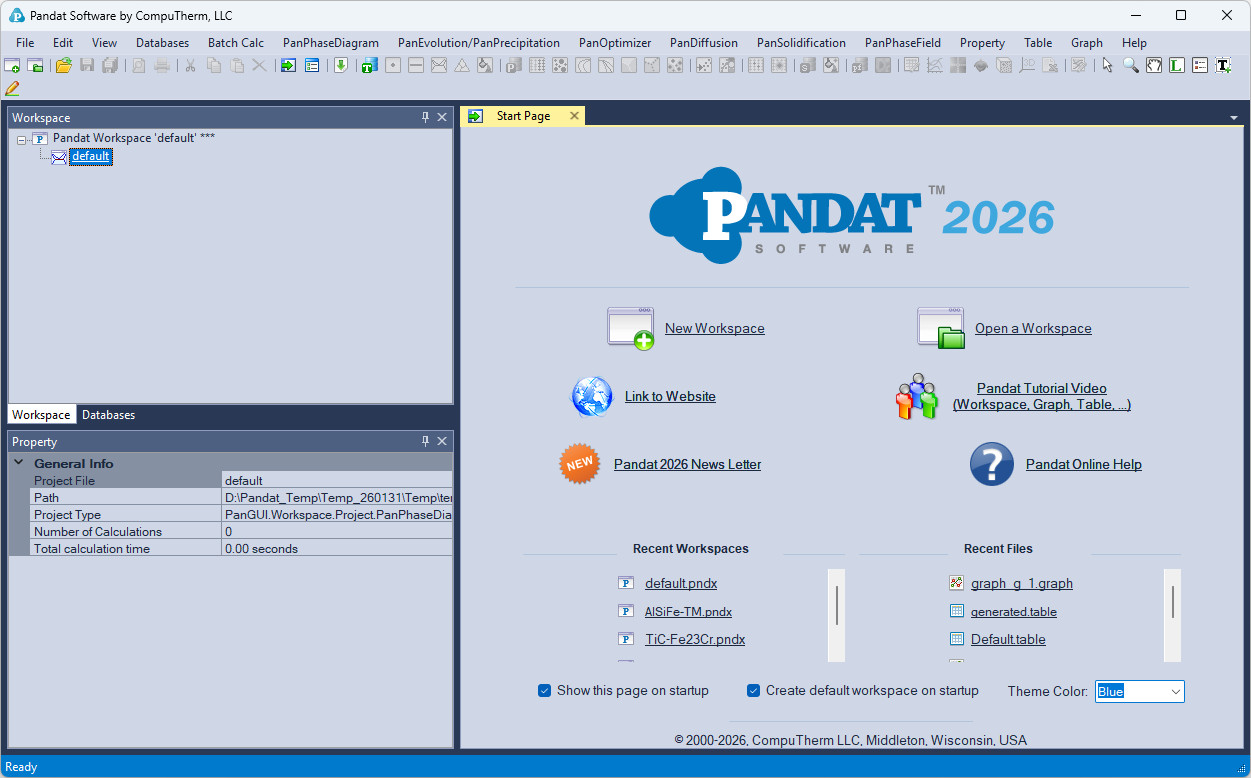
Figure 2.1: The start page of Pandat software